
Contents
Set Pressure Gauge Mode - Pg
kPa Display Output
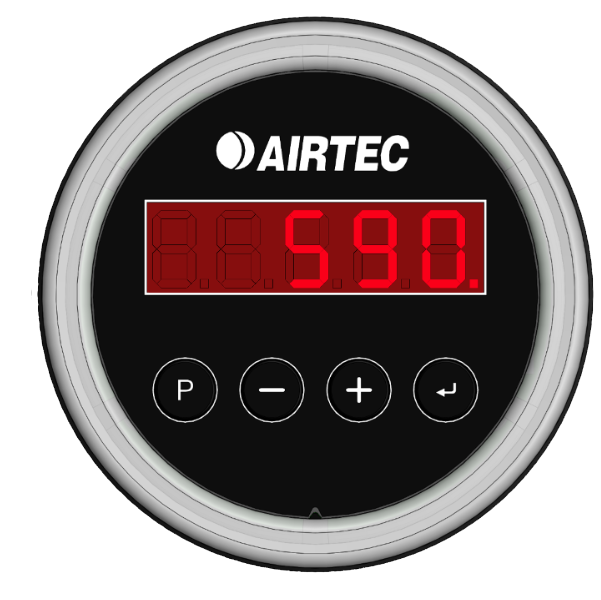
Enter Pressure Gauge Mode
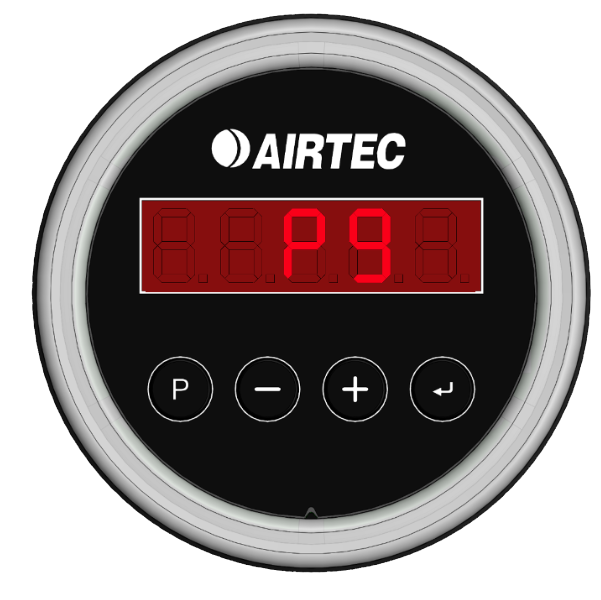
The Pressure Gauge Mode switches the display from kilograms (kg) to kilo-Pascals (kPa), which is useful for diagnosing air suspension and calibration issues.
- Hold [P] for two seconds until CAL appears.
- Press the [P] button until the display shows Pg.
- Press the [↲] (Enter) button to confirm and switch to Pressure Gauge Mode.
- The display will now show pressure in kPa, with the decimal point indicating it is in pressure mode.
- Hold down [P] for two seconds to exit Pressure Gauge Mode.
Set AXS Display and LED Ring Timeout
Set Display Timeout
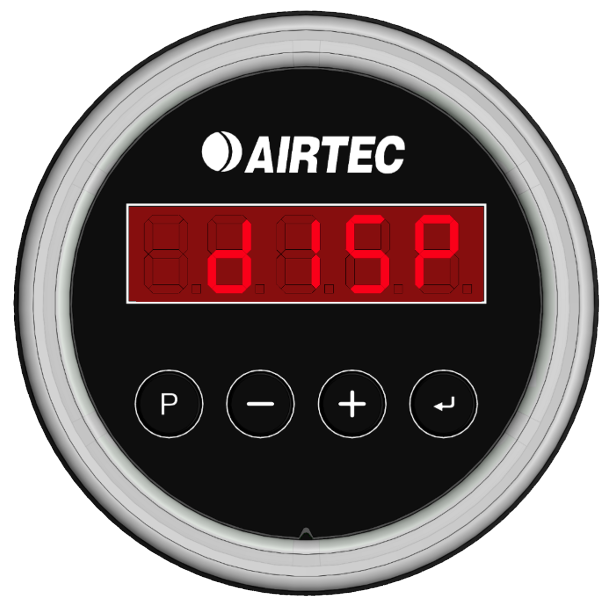
Display Timeout 5 minutes
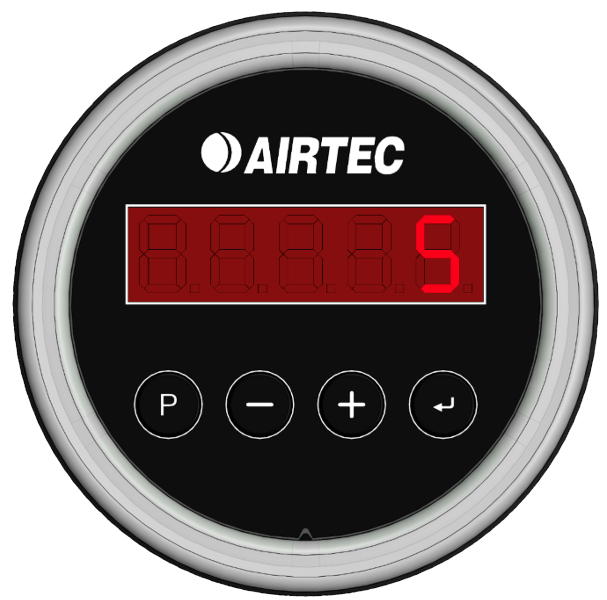
To set the timeout for the display and LED ring:
- Press and hold [P] for 2 seconds
- Press [P] until DISP is displayed.
- Press [P] once more to adjust the display timeout.
- The display will show the timeout in minutes.
- Use the [+] and [-] buttons to adjust the setting.
- Press [↲] (Enter) to save.