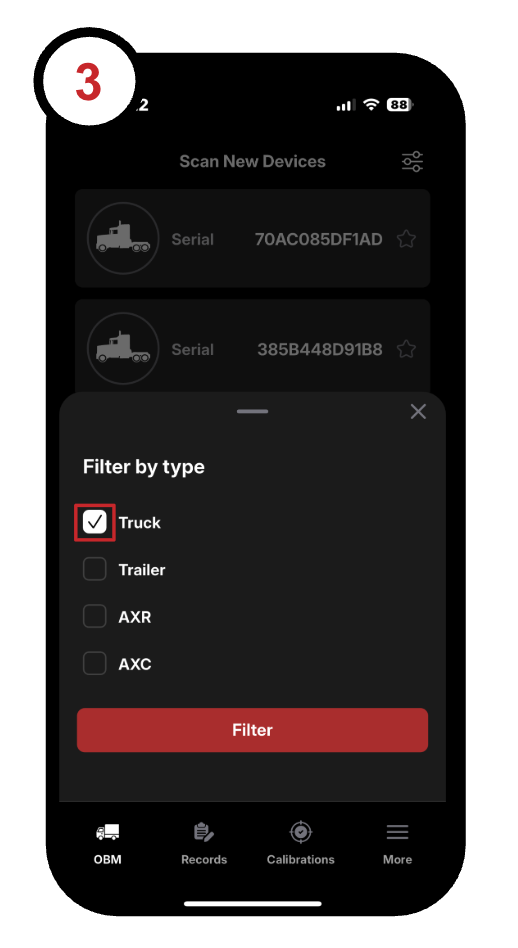
Scanning for new Devices
1. Open up the SmartOBM app on your mobile device. The app will automatically start scanning for devices configured as trucks.:
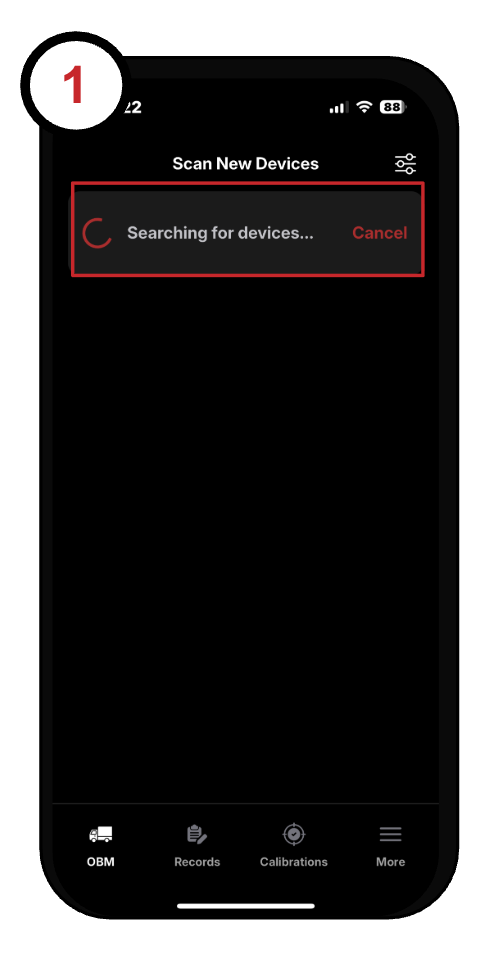
2. To scan for a different configuration, tap the Filter icon in the top-right corner:
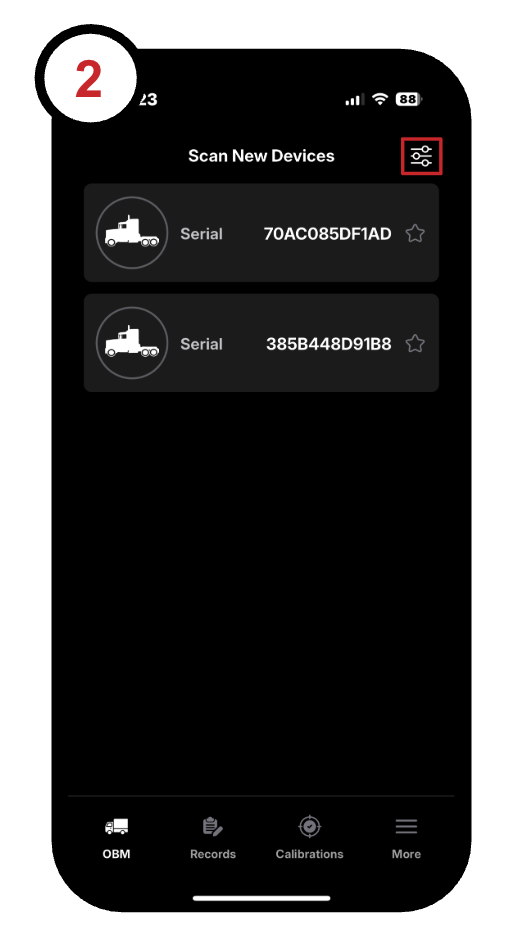
3. Select the device type you want to include in the scan: