App - Firmware Update
Firmware updates provide the latest features, improvements, and bug fixes for your device. Keeping your device up to date ensures optimal performance, compatibility, and reliability.
How to update your device firmware
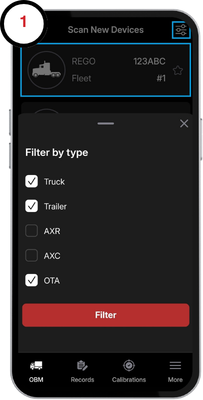
1. From the Scan New Devices screen, tap on the device you would like to update. If the device does not appear, ensure the correct unit type is selected in the search filter.
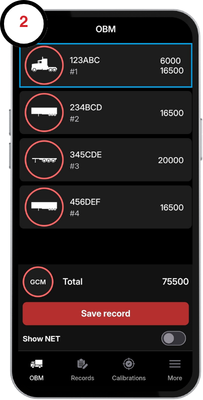
2. Tap on the device again on the OBM page to open the vehicle information screen.
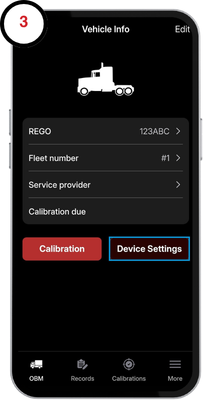
3. Tap on Device Settings.
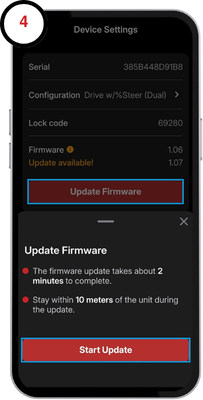
4. Tap Update Firmware and start the update.
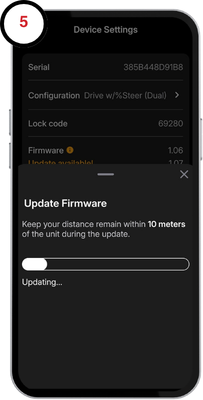
5. The update will take approximately 30 seconds. Ensure you are within 10m to the device for a fast and reliable connection
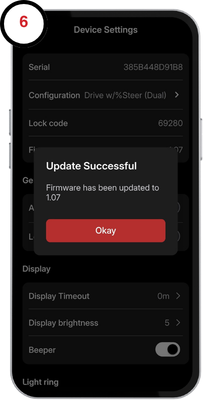
6. The update is now complete and the device will power cycle and display the new firmware version.